

Pc Build For Game Design
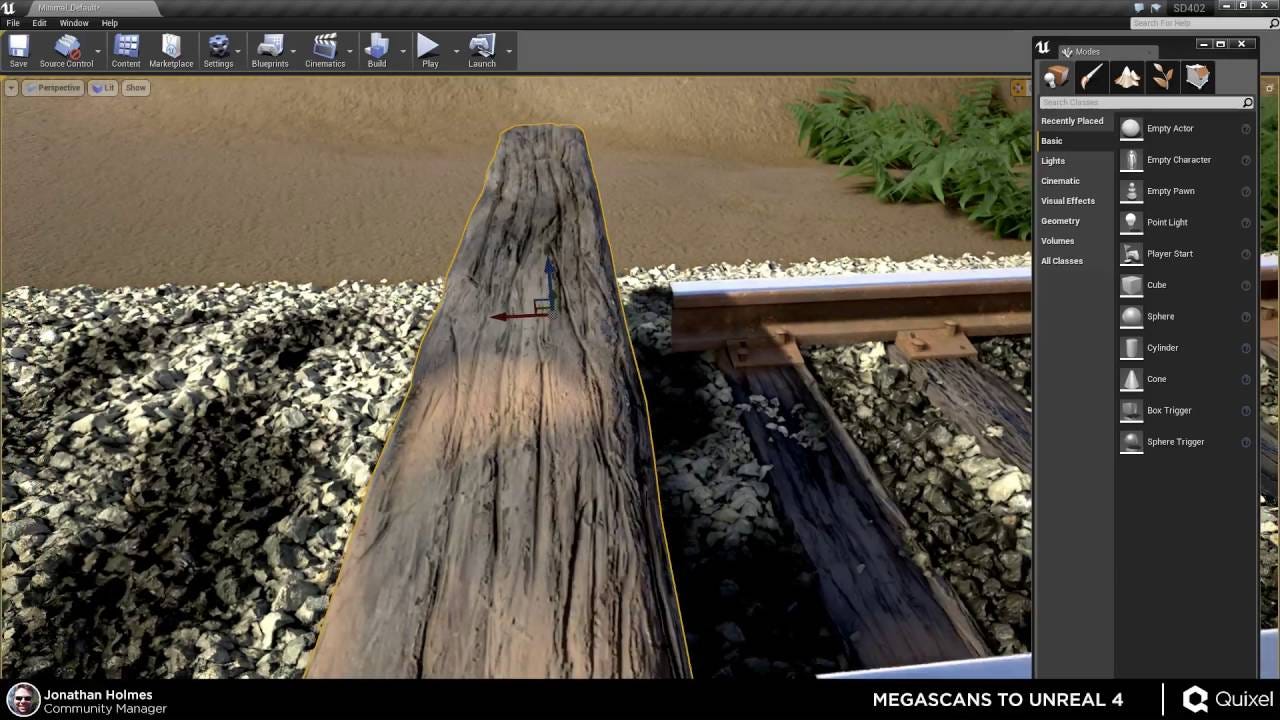
Build a PC for UE4 Game Development with photogrammetry

If you have tried UE4 before you may have noticed that not just any PC will cut it running the UE4 editor. Without a fast processor, compile and build times will take forever and importing assets will take just as long if not longer. This is especially true if you want to use the awesome Quixel Megascans asset library which is full of highly detailed, realistic scans of real life objects. This guide will talk about what PC components you might want in your build if you plan on using UE4 for game development to make realistic levels.

Graphics Card (GPU)
Fi r st of all, like any good gaming machine, we want a graphics card. Although when playing games they are highly optimised, editing levels in UE4 can be a pain if your PC isn't up to the task of running the game before things like LOD (Level of detail) and optimising level layout to block line of sight to large sprawling areas are implemented. Although having a GPU (Graphics processing unit) that is more representative of the general player-base will encourage optimisation at every corner you will find yourself wasting a lot of time making sure you have exactly the right amount of grass on the level when you should be finishing the entire level and then optimising it later on.

With a powerful GPU you will be able to smoothly create your levels without worrying about stutter or frame-rate drops and will also be perfect for creating in-game recordings without having to compile first to ensure you get a palatable FPS (Frames per second). Compute power is not really a factor here (as it is in video-editing, rendering or data-crunching) so that means all you need is a powerful enough graphics card to play the games at a high enough frame rate for the experience to be streamlined and enjoyable while you are working with levels.

A Nvidia 2080Ti is the best graphics card you can get but it is hardly necessary, and a 2070 Super, or AMD Radeon 5700XT or even 2060 Super should more than suffice as your graphics card for building levels in UE4 depending on your budget. Note that although AMD Radeon provides a better bang for buck in theory, it doesn't come without its drawbacks and if you want the most streamlined experience with drivers, monitor compatibility and the likes Nvidia is still in my opinion the brand of choice. Some users may find that 5700XT is just as good as Nvidia but there have been cases (myself included with an RX 580) were AMD sometimes just doesn't perform as expected.
Processor (CPU)
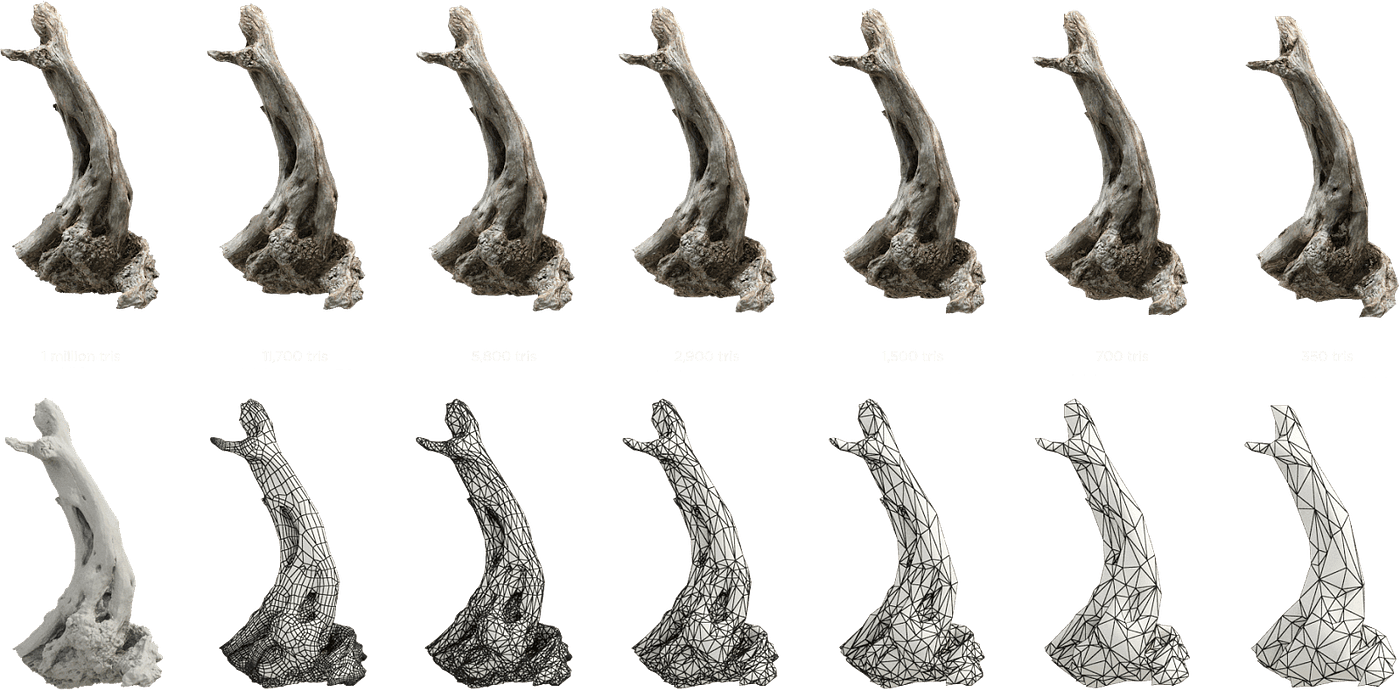
Your CPU (Central processing unit) is even more important than your graphics card because when you build lighting, compile binaries, or import assets you are using the CPU. For this reason you want as many cores as your budget allows, and that's why we recommend a 3900X or if you can stomach its price, a 3950X. More cores the better, if you want to step it up even more you can get yourself a 3960X, 3970X or even a 3990X with a whopping 64 cores. These cores will making importing assets from Bridge an absolute breeze and you will spend less time waiting and more time creating. If anyone has a complaint about UE4 it's the inordinate amount of time you spend waiting for stuff to happen. With a CPU with a ridiculous number of cores that won't be a problem.

RAM
Next your RAM (Random Access Memory) is a vital factor. Any less than 32GB of RAM and you will be waiting until the cows come home to get even the simplest task done. I recommend 2x16GB DDR4 sticks with room to upgrade to 4x16GB sticks for a total of 64GB if you deem it necessary in the future. For those really wanting to avoid wait times like the plague, putting in 2x32GB sticks with room for 4x32GB for a total of 128GB certainly won't hurt. When your PC runs out of RAM, no matter how fast your storage, processor or graphics card is you will have to wait until your RAM is no longer full to continue working at full speed. That's why you want as much as possible especially if you're going to be working with huge assets like high polygon models with 8K textures from Quixel Megascans.

Storage
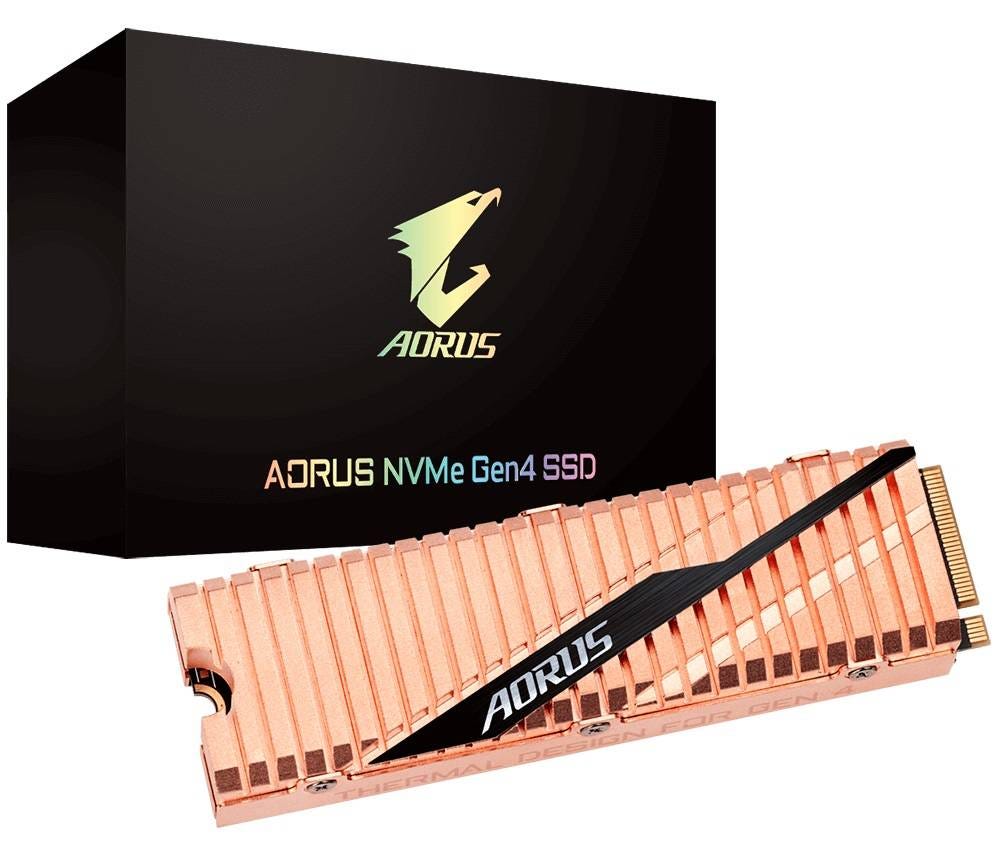
Finally we have storage. To store your unreal project and all of the assets you will be using you will need a ridiculous amount of hard drive space and you will want that hard drive to be fast. Running out of space can be devastating to a project as there isn't much you can do when your every growing project file has got nowhere to go. This is where an M.2 SSD comes in, or even better, a PCIe SSD with read speeds of up to 15GB/s. This will ensure your assets transfer to UE4 at lightning fast speed and projects will open in mere seconds instead of minutes, and you will never be waiting for assets from Bridge to appear in your UE4 project. I recommend at least 1TB of dedicated storage for your UE4 install, your project and all the assets you might be downloading. 2TB is even better. Or try 1TB for your boot disk and an entirely separate 1TB drive for all your game development related files.
Closing
All these aspects: your GPU, CPU, RAM and SSD will ensure your UE4 game development experience is as optimal and streamlined as possible so you are spending time creating your game and not waiting for stuff to happen. Don't forget a case, power supply, monitor and of course a mouse and keyboard and speakers to complete your build. These items are mostly up to the users taste so you choose! Just make sure your power supply has enough juice to power all your components. I also recommend as large as possible display of 4K or even 5K wide resolution so everything is spread out and easy to access within the UE4 editor. All of these aspects will apply just as much to Cryengine andeven Unity (if you are using Megascans or other photogrammetry assets) Happy game making!

Find Quixel here https://quixel.com/megascans/home
Megascans is free for all UE4 users.
You can also get a whole heap of community made, highly quality and most importantly free assets on Sketchfab. Whether it's a sword, armour, gun or an entire log cabin, just search for exactly what you're looking for and chances are you will be able to find it. And best of all many users have a Creative Commons license on their models so all you need to do is credit them and you can use it for free even in a commercial project. How good is that?
Find Sketchfab photogrammetry models here https://sketchfab.com/tags/photogrammetry
And better yet even, you can make your own photogrammetry pretty simply with any smartphone as long as it has a good enough camera. So get cracking. I can't vouch for any in particular but have a look for yourself and you might find a winner.
Pc Build For Game Design
Source: https://medium.com/@robertwilliammarsh/build-a-pc-for-ue4-game-development-with-photogrammetry-bd3ebb284e7
Posted by: franciscompter.blogspot.com
0 Response to "Pc Build For Game Design"
Post a Comment